
Coding
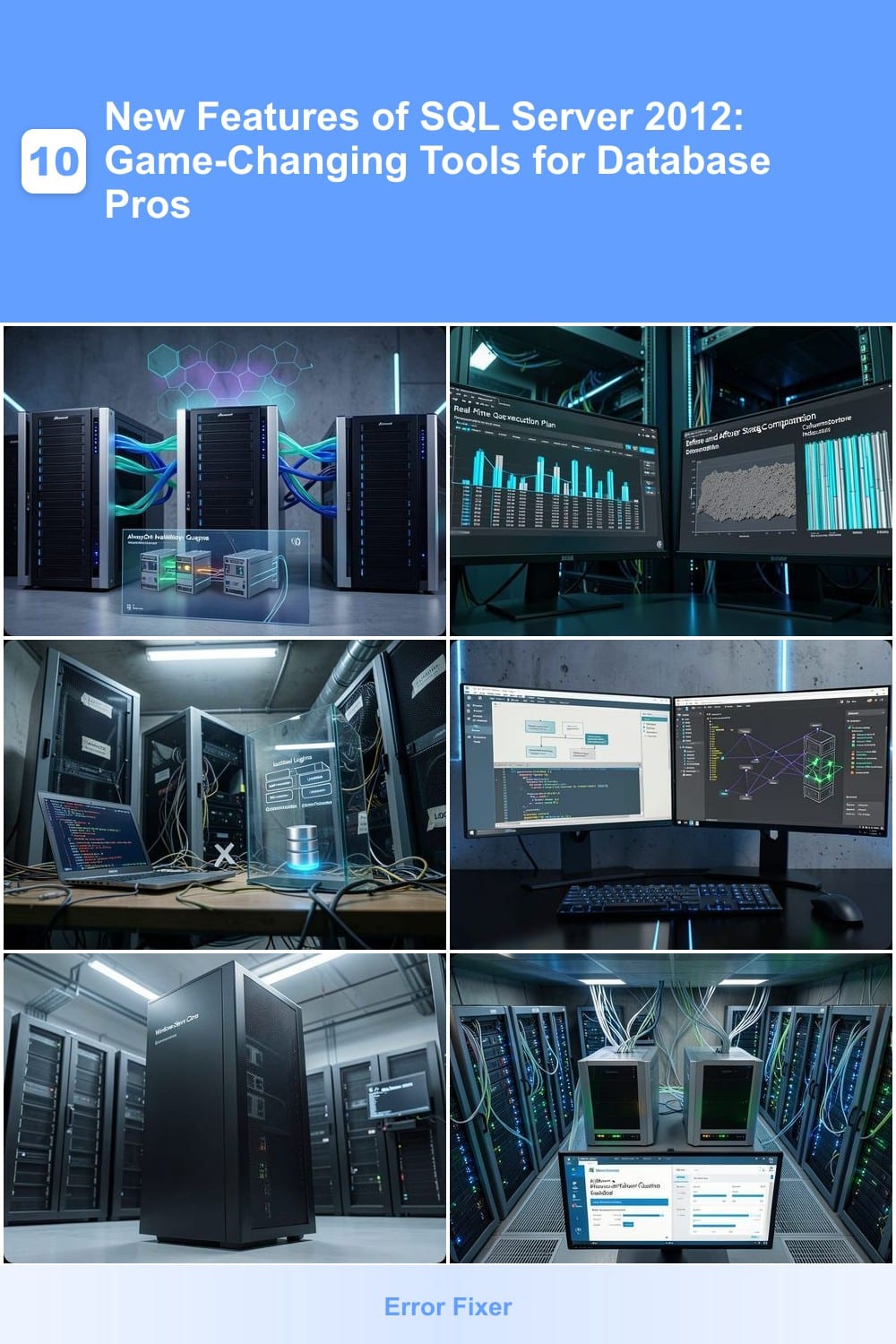
SQL Server 2012 introduced revolutionary features that transformed database management for professionals. These 10 game-changing tools boost performance, security, and scalability—making them essential for developers and IT teams.
AlwaysOn Availability Groups
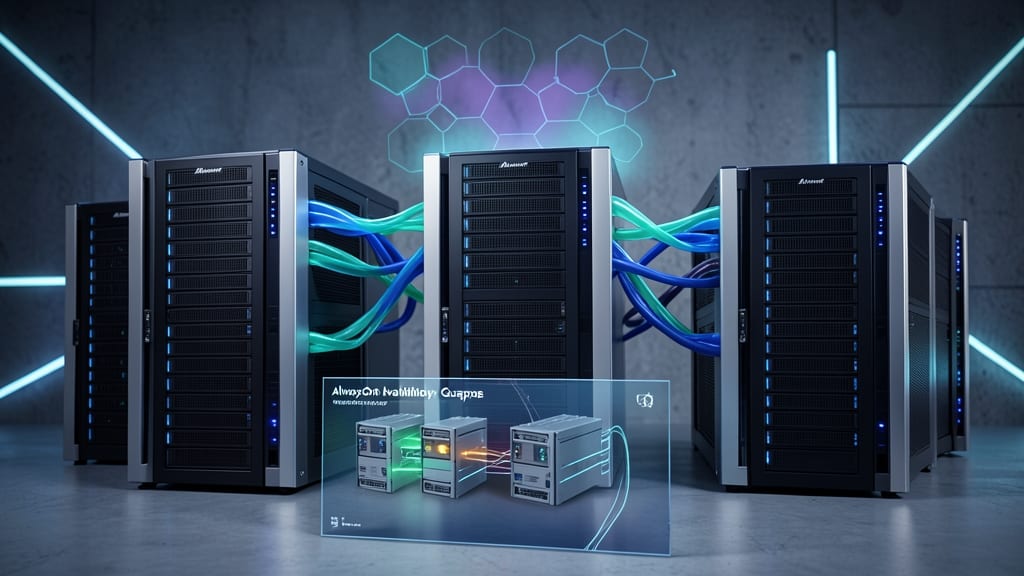
Mission-critical applications demand zero-compromise uptime, and SQL Server 2012’s AlwaysOn Availability Groups delivers exactly that. Unlike traditional failover solutions, this feature synchronizes multiple databases across servers in real-time, ensuring seamless failover with minimal manual intervention.
With support for synchronous and asynchronous commit modes, you can balance performance and data consistency based on your needs. The automatic failover capability kicks in within seconds, while readable secondaries allow offloading reporting workloads without impacting primary operations. Even the Enterprise edition requirement is justified by its ability to handle petabyte-scale deployments with ease.
This is the go-to solution for financial systems, healthcare databases, or e-commerce platforms where downtime isn’t just costly—it’s catastrophic. For enterprises prioritizing high availability without complexity, AlwaysOn Availability Groups set the new standard. ⚡
Columnstore Indexes for Data Warehousing
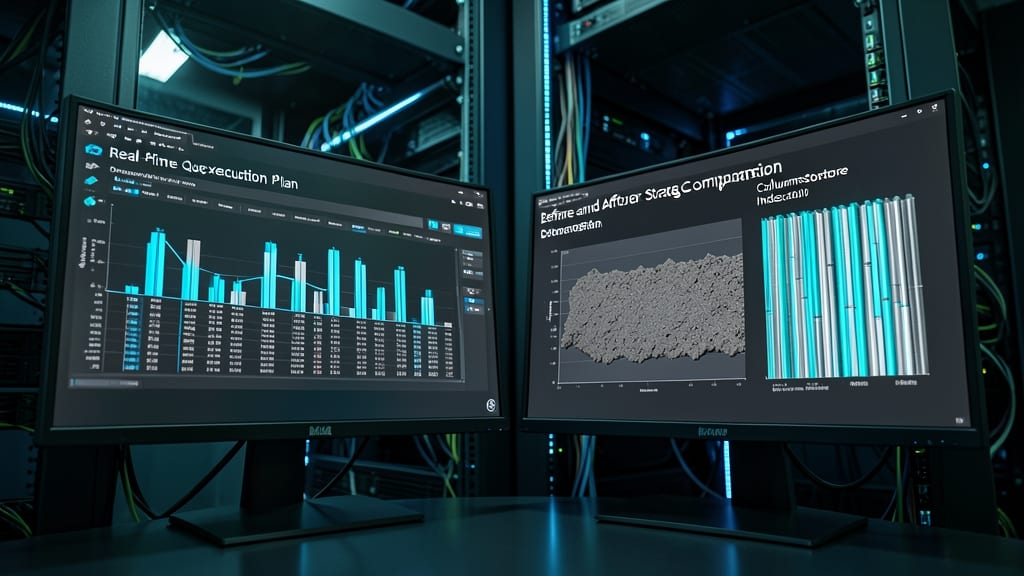
If your data warehouse struggles with slow analytical queries and bloated storage, Columnstore Indexes in SQL Server 2012 could be your game-changer. This feature revolutionized data warehousing by storing data in vertical columns rather than horizontal rows, drastically improving query performance for large datasets.
With Columnstore Indexes, you can achieve 10x compression of data storage while delivering 10-100x faster query speeds for aggregations and scans. The indexes are optimized for analytical workloads, making them ideal for reporting, business intelligence, and data mining tasks. SQL Server automatically handles batch mode processing, ensuring optimal performance even with massive datasets.
This feature is a must-have for data analysts, BI professionals, and enterprise IT teams managing large-scale data warehouses. It transforms how organizations handle complex queries, reducing costs and improving decision-making speed. ✨
Contained Databases for Security Isolation

Tired of managing sprawling database logins and permissions that feel like a tangled web? Contained Databases in SQL Server 2012 introduced a game-changer by letting each database operate as its own isolated unit—complete with its own logins, users, and credentials.
This feature eliminates the need to rely on server-level logins, simplifying administration while reducing cross-database security risks. With contained databases, you can deploy a database to another server without worrying about login mismatches, and even migrate it to newer SQL Server versions with minimal fuss. The best part? It’s available in both Standard and Enterprise editions, making it accessible for teams of all sizes.
Perfect for multi-tenant environments or organizations with strict compliance needs, Contained Databases streamline security and deployment workflows. ✨
SQL Server Data Tools (SSDT) Integration

Tired of juggling separate tools for database schema changes, source control, and deployment? SQL Server Data Tools (SSDT) bridges that gap by embedding database development directly into Visual Studio 2010/2012 with built-in source control support.
This integration lets you design, debug, and deploy database schemas using T-SQL, schema compare tools, and data generation plans—all while syncing changes with Team Foundation Server (TFS) or Git. The project-based workflow ensures version control for database objects, eliminating manual script management headaches.
Perfect for teams using Agile or DevOps, SSDT streamlines schema migrations and reduces deployment risks. 💻
Windows Server Core Support
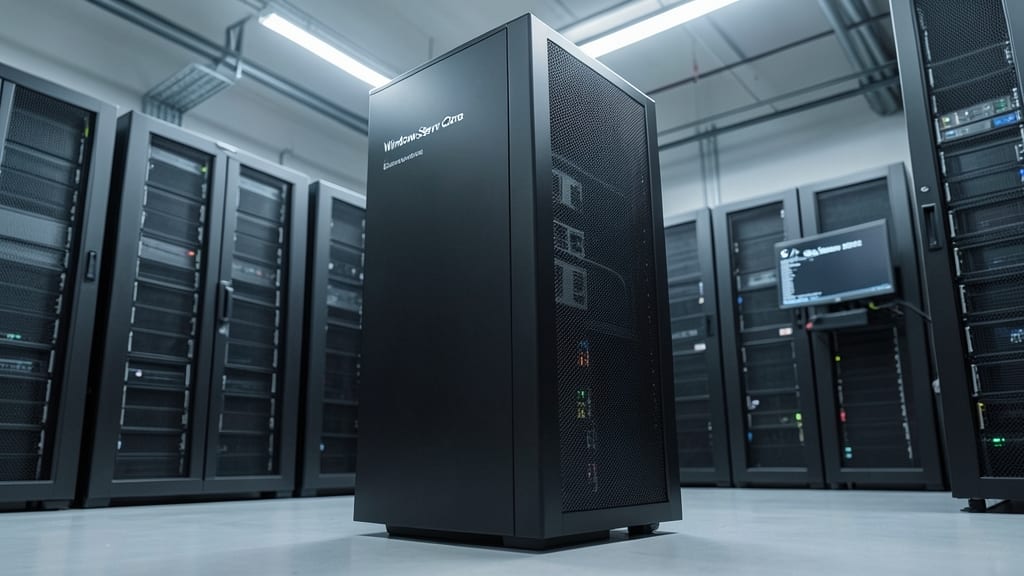
If your SQL Server deployments demand both security and efficiency, Windows Server Core Support in SQL Server 2012 delivers a game-changing solution. This lightweight installation strips away unnecessary GUI components—reducing the attack surface by 90% while maintaining full SQL Server functionality.
Running on a minimal 64-bit Windows Server Core footprint, it eliminates bloatware like Internet Explorer and Windows Explorer, yet supports all SQL Server features, including AlwaysOn Availability Groups and Columnstore Indexes. The result? A hardened environment with fewer vulnerabilities, lower maintenance overhead, and optimal resource utilization—ideal for cloud-based or security-focused deployments.
Perfect for IT teams managing cloud-hosted databases or high-security environments, this feature lets you run SQL Server in a locked-down, streamlined OS without sacrificing performance. 💪
AlwaysOn Failover Cluster Instances
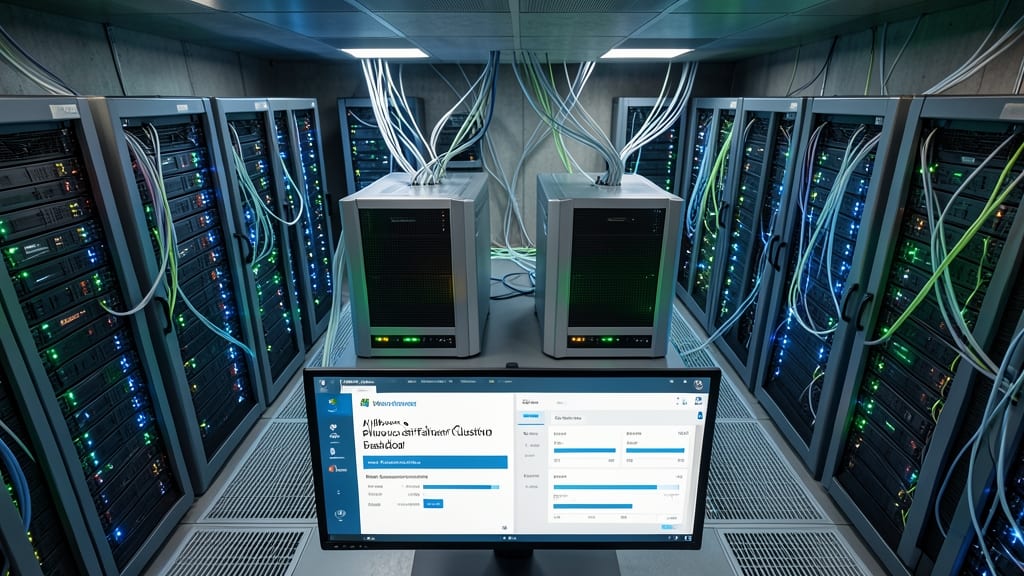
Tired of downtime derailing your mission-critical applications? AlwaysOn Failover Cluster Instances (FCI) in SQL Server 2012 delivers enterprise-grade redundancy without the complexity of traditional clustering. Unlike earlier versions, this feature integrates seamlessly with Windows Server Failover Clustering to provide automatic failover in under 10 seconds—minimizing disruptions for OLTP workloads.
With synchronous commit across nodes and support for up to 16 nodes, FCI ensures data consistency while eliminating single points of failure. The setup leverages shared storage (like SAN) for real-time synchronization, and no manual intervention is needed during failovers. Unlike Availability Groups, FCI works at the instance level, making it ideal for applications requiring high availability at the server tier.
Perfect for financial systems, healthcare databases, or e-commerce platforms where uptime is non-negotiable, FCI transforms SQL Server into a battle-tested setup. ⚡
Power View for Interactive Data Visualization

Tired of waiting for IT teams to generate reports while your business decisions gather dust? Power View bridges that gap by putting interactive data visualization directly into the hands of non-technical users—no SQL expertise required.
This self-service BI tool integrates seamlessly with Excel and SharePoint, letting you drag-and-drop fields into 3D charts, maps, and pivot tables that update dynamically. The zero-configuration setup works with SQL Server Analysis Services, while features like real-time filtering and data exploration make it perfect for ad-hoc analysis. Even complex datasets become intuitive with its touch-friendly interface—ideal for tablets or touchscreens.
Marketing teams, sales analysts, and executives will love Power View for its shareable, web-friendly reports that embed directly into SharePoint. Best of all, it’s included in the SQL Server 2012 Business Intelligence edition, so no extra licensing is needed. ✨
SQL Server Data Quality Services

Tired of spending hours manually cleaning messy data before analysis? SQL Server Data Quality Services (DQS) automates the process with intelligent profiling and cleansing—saving you time while ensuring accuracy.
This enterprise-grade toolset scans your datasets to detect inconsistencies like duplicate records, mismatched formats, or invalid entries. It then applies standardized rules to cleanse the data, offering features like domain-based matching and data cleansing packages for repeatable workflows. Best of all, it integrates seamlessly with SQL Server Integration Services (SSIS) for end-to-end data quality management.
Ideal for data governance teams or businesses relying on clean data for reporting, DQS ensures compliance and improves decision-making by eliminating errors at the source. ✨
Windows Azure Integration for Cloud Scaling
If your organization relies on a mix of on-premises infrastructure and Azure cloud services, SQL Server 2012’s Windows Azure integration bridges the gap effortlessly. This feature eliminates the guesswork of managing separate environments by enabling hybrid cloud deployments with near-zero configuration overhead.
With native Azure support, you can seamlessly scale databases between on-premises servers and Azure without rewriting applications. The integration includes transparent failover capabilities, ensuring minimal disruption during cloud migrations. Tools like Azure Backup and Azure Site Recovery further simplify disaster recovery planning across hybrid setups.
This feature is a game-changer for enterprises with phased cloud adoption or temporary workload spikes. No need for complex middleware—just point your SQL Server to Azure and let the system handle the rest. ✨
Enhanced T-SQL Performance with Batch Mode

Struggling with slow analytical queries that grind your database to a halt? SQL Server 2012’s Batch Mode execution engine could be your game-changer. Unlike traditional row-by-row processing, this feature processes data in large batches—think of it as turbocharging your CPU by handling thousands of rows at once instead of one at a time.
Batch Mode delivers 10x speed improvements for complex analytical workloads by leveraging vectorized operations and parallel execution. It automatically kicks in for compatible queries, reducing CPU cycles and memory pressure. The best part? No code changes are needed—it works seamlessly with your existing T-SQL scripts, making it a low-effort upgrade for data-heavy applications.
This feature is a must-have for data warehouses, BI systems, and reporting tools where query performance directly impacts user experience. If your workload involves aggregations, joins, or scans on large datasets, Batch Mode could cut execution times from minutes to seconds. ✨