
Tip & Trick
Cyber threats to remote workers are evolving faster than ever. These 10 security best practices—backed by real-world incident data—will help you create an impenetrable digital fortress for your home office, whether you're using Windows, Linux, or cloud-based tools.
Multi-Factor Authentication for Every Account
Your email, VPN, and cloud accounts are under siege—99.9% of automated attacks exploit weak passwords alone. The fix? Multi-Factor Authentication (MFA) with FIDO2 hardware keys (like YubiKey) or app-based solutions, which adds an unbreakable second layer of defense beyond passwords.
Hardware keys like YubiKey 5 Series or Titan Security Keys use FIDO2 standards for phishing-resistant authentication, while apps like Google Authenticator or Authy provide backup codes. For critical accounts (email, banking, work VPNs), prioritize FIDO2 keys—they block sim-swap attacks and credential stuffing that plague password-only logins.
This isn’t just for IT admins: Remote workers, freelancers, and developers handling sensitive data should enable MFA on every account. Start with your most vulnerable—email and cloud storage—then roll it out to lesser-risk services. ⚡
Zero-Trust Network Access Configuration
Tired of VPNs that only check your credentials once? Zero-trust network access flips the script by verifying every device, user, and session continuously—even if you’re on that sketchy home Wi-Fi network. Unlike traditional VPNs, which assume "trust once, access always," zero-trust evaluates risk in real time, making it ideal for Windows and Linux users connecting to corporate resources.
Microsoft’s Azure AD Conditional Access lets you enforce multi-factor authentication (MFA) and device compliance checks before granting access. For open-source fans, OpenZiti offers a self-hosted alternative with encrypted tunnels and granular permissions. Both solutions integrate with existing Active Directory or LDAP setups, ensuring seamless adoption without replacing your current infrastructure.
Perfect for IT admins managing hybrid teams or remote workers who frequently switch between secure and public networks. With zero-trust, you’re not just securing the door—you’re locking every window too. ✨
Endpoint Detection and Response Software
Ransomware attacks don’t wait for business hours—neither should your defenses. Endpoint Detection and Response (EDR) software like CrowdStrike, SentinelOne, and Cynet acts as a silent guardian, scanning your Windows or Linux devices in real-time to block malware before it encrypts files or exfiltrates data.
These tools go beyond traditional antivirus by using AI-driven behavioral analysis to detect zero-day threats. For example, CrowdStrike’s Falcon integrates with cloud workloads, while SentinelOne’s Singularity offers self-healing capabilities to automatically roll back malicious changes. Cynet stands out for its zero-trust architecture, ensuring even compromised endpoints can’t move laterally across your network. All three support remote workers with lightweight agents that run quietly in the background.
If you’re a remote worker handling sensitive data, EDR isn’t optional—it’s your last line of defense against fileless malware and living-off-the-land attacks. Start with a free trial to see which platform fits your workflow best. ✨
Secure Password Manager with Breach Monitoring
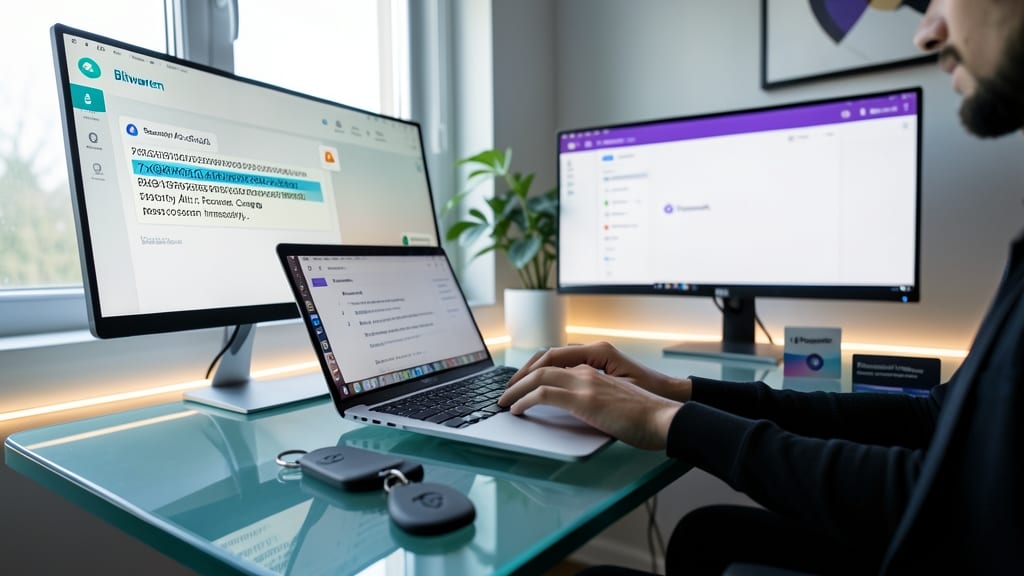
Tired of reusing passwords across accounts? A secure password manager with breach monitoring is your first line of defense against credential stuffing attacks—especially for remote teams where shared logins are common.
Both Bitwarden (open-source, zero-cost) and 1Password (paid, team-focused) auto-generate 256-bit encrypted passwords, sync across devices, and scan the dark web for exposed credentials. Bitwarden’s Vault Health Report flags weak or reused passwords, while 1Password’s Travel Mode hides sensitive data when crossing borders. Both support biometric unlock and TOTP-based MFA for extra security.
Remote teams will love Bitwarden’s self-hosting option (for full control) or 1Password’s admin dashboard (for enforcing policies). Start with Bitwarden if you prioritize transparency; choose 1Password if your team needs centralized management. ✨
Home Wi-Fi Security Hardening Guide
Your home Wi-Fi is the front door to your digital life—and most remote workers never lock it. A staggering 80% of home networks remain vulnerable to man-in-the-middle attacks, where hackers intercept unencrypted traffic between your devices and the internet.
Start by disabling WPS (that "easy setup" button is a security nightmare) and upgrading to WPA3 encryption—the gold standard that thwacks brute-force attacks. Then, create a separate VLAN or guest network for IoT devices (smart thermostats, cameras) to isolate them from your work laptop. For extra protection, check your router’s firmware against this quick update checklist for common models: Netgear, TP-Link, Asus, and Google Nest Wi-Fi.
This setup is perfect for remote workers handling sensitive data—especially those in finance, healthcare, or tech—where a single misconfigured router could expose corporate networks. ⚡
Phishing Simulation and Employee Training
Even with the strongest passwords and firewalls, human error remains the weakest link—responsible for 90% of breaches according to IBM’s 2023 report. The solution? Phishing simulations that train remote teams to spot scams before they click.
Platforms like KnowBe4 deliver customizable, monthly phishing tests with real-time reporting, while Google’s Security Checkup (built into Workspace) automatically flags risky behaviors. Both tools simulate CEO fraud, malicious links, and fake login pages—helping employees recognize red flags like urgent language, mismatched URLs, or spoofed sender names.
Remote teams in finance, healthcare, or IT see the biggest ROI, but even solo freelancers benefit from the free Google Security Checkup (no setup required). Start with a 30-day trial of KnowBe4’s Kickstart program to measure your team’s vulnerability. ✨
Secure File Sharing for Remote Teams
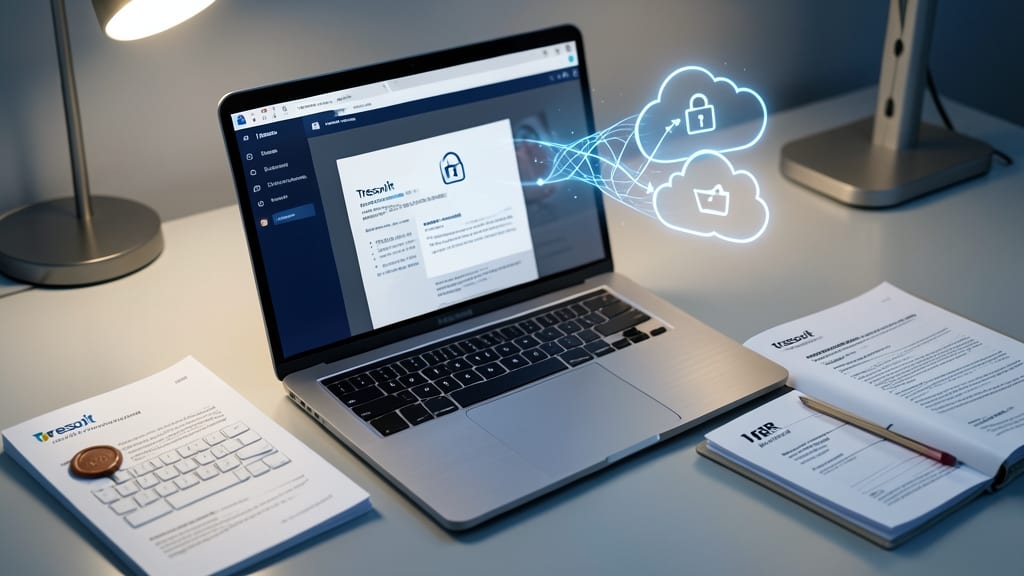
Tired of sending sensitive files via unencrypted email—only to wonder if they’re safe? Tools like Tresorit and Microsoft Purview automatically classify documents (e.g., contracts, HR files) and encrypt them in transit, ensuring compliance with GDPR or HIPAA without manual tagging.
With end-to-end encryption, files remain locked even if servers are breached. Tresorit adds zero-trust access controls, while Microsoft Purview integrates with Office 365 for seamless labeling. Both support automated redaction of metadata (e.g., hidden timestamps) to prevent leaks.
Perfect for legal teams, healthcare providers, or any remote worker handling confidential data. 💻
Device Encryption and Secure Wipe Policies

Losing a laptop or having it stolen isn’t just an inconvenience—it’s a data breach waiting to happen. With BitLocker (Windows) or LUKS (Linux), you can encrypt your entire drive in minutes, ensuring even stolen devices are useless to attackers without the encryption key.
Enable full-disk encryption with a simple command on Linux (sudo cryptsetup luksFormat) or via Windows’ Control Panel (search for "BitLocker"). For remote wipe policies, tools like Microsoft Intune or Linux’s shred command let you erase sensitive data instantly if a device goes missing. The best part? These tools work silently in the background, requiring zero user effort once set up.
This is a must for contractors, freelancers, or anyone handling sensitive data—whether it’s client files or corporate secrets. A stolen unencrypted device can cost thousands in damages or compliance fines. ✨
Dark Web Monitoring for Exposed Credentials
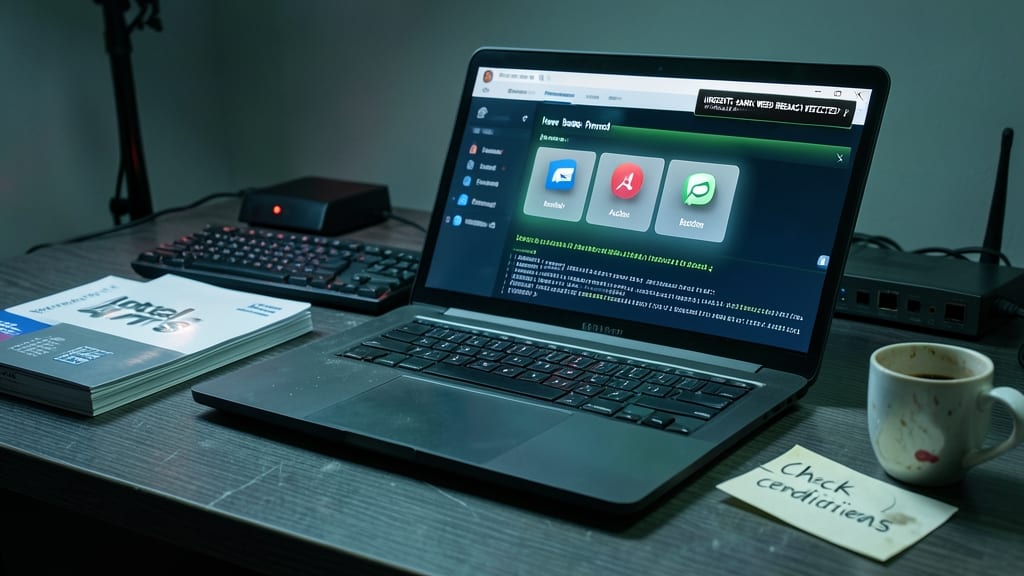
Your personal email is a goldmine for hackers—especially if it’s tied to a LinkedIn, Adobe, or Dropbox breach. Dark web monitoring tools like Have I Been Pwned, DeHashed, and Intel 471 scan the dark web for exposed credentials, alerting you before attackers exploit them.
Have I Been Pwned (free) checks if your email appears in known breaches, while DeHashed (paid) provides deeper threat intelligence, including leaked passwords and personal data. Intel 471 focuses on corporate threats, tracking stolen credentials sold on underground forums. Most services offer real-time alerts via email or mobile apps, so you can act fast if your data’s compromised.
Remote workers, freelancers, and anyone with professional accounts should prioritize this—it’s the digital equivalent of a credit freeze for your identity. ✨
Incident Response Plan for Remote Breaches
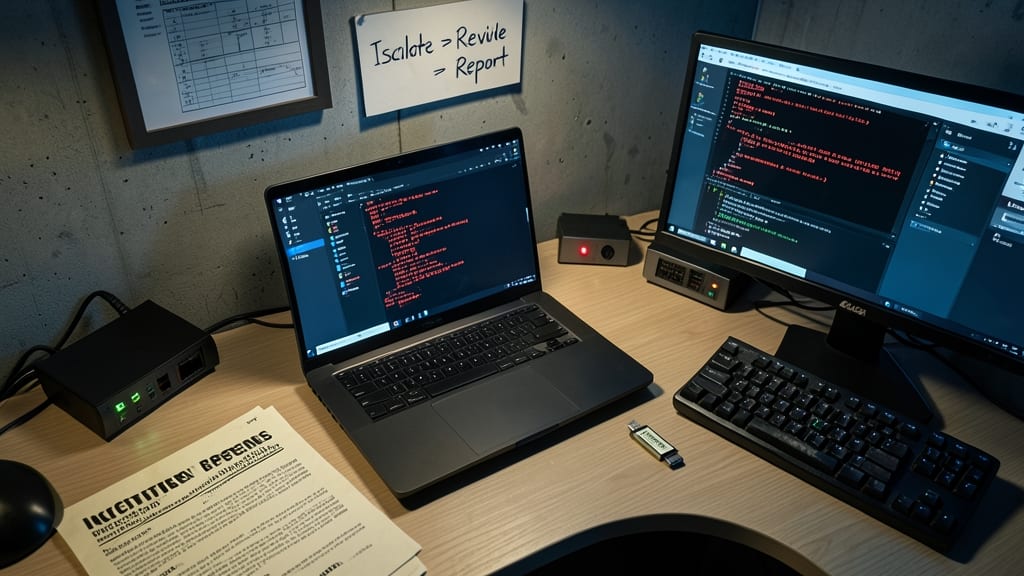
When a breach happens, every second counts—especially if you’re the only IT person in your home office. A pre-built incident response plan ensures you can act fast, whether it’s revoking compromised credentials or isolating a ransomware-infected machine. This template covers Windows and Linux with step-by-step playbooks for common threats like credential theft and file encryption.
The plan includes automated isolation scripts (PowerShell for Windows, Bash for Linux) to cut off infected devices, revocation checklists for cloud services, and notification templates to alert IT teams without panic. It also maps out containment steps—like disabling admin rights or blocking malicious IPs—so you don’t waste time guessing what to do next. The ransomware playbook even guides you on whether to pay (spoiler: almost never) or restore from backups.
This is your last line of defense for remote workers who can’t rely on on-site IT. Whether you’re a freelancer or a small-team leader, having a battle-tested plan means you’ll respond like a pro—even under pressure. 💪