
Software

Developers and tech professionals know inconsistent date-time formats can break cross-platform applications. This guide covers the most widely recognized formats for dates and times—ensuring compatibility across systems, APIs, and global audiences.
ISO 8601 Standard Format for Dates
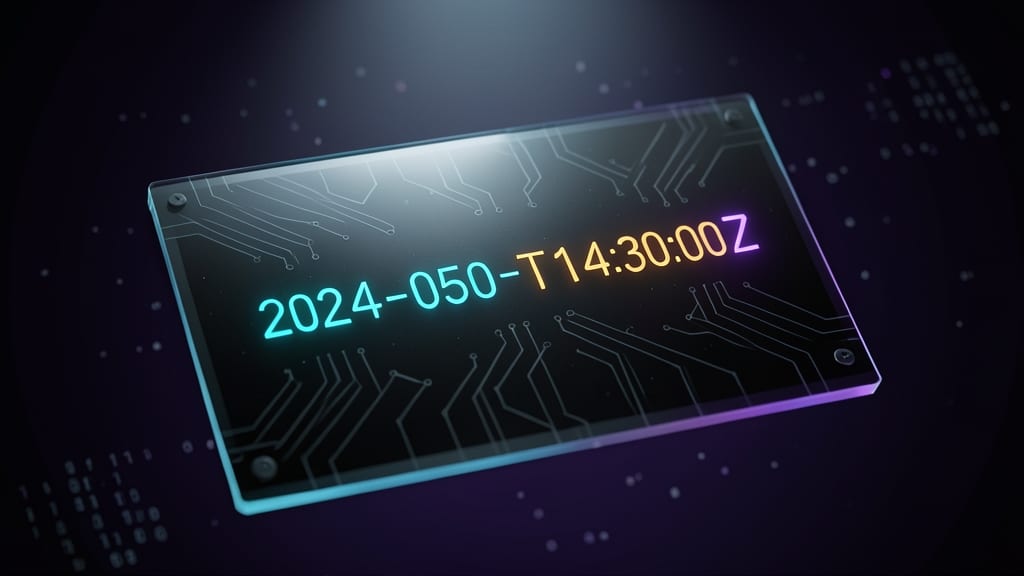
When your API needs to speak the same language worldwide, ISO 8601 is the universal translator—eliminating ambiguity with a strict, machine-readable structure like 2024-05-20T14:30:00Z.
This standard separates date, time, and timezone components with hyphens and colons, ensuring unambiguous parsing in Python (datetime.isoformat()), JavaScript (Date.toISOString()), and databases (PostgreSQL, MySQL). The UTC timezone offset (Z or +HH:MM) prevents local time confusion, making it ideal for logs, timestamps, and international systems.
Developers building cross-platform apps or APIs should default to ISO 8601—it’s the only format natively supported by 99% of modern programming languages without extra libraries. ⚡
RFC 2822 Email-Style Date Format
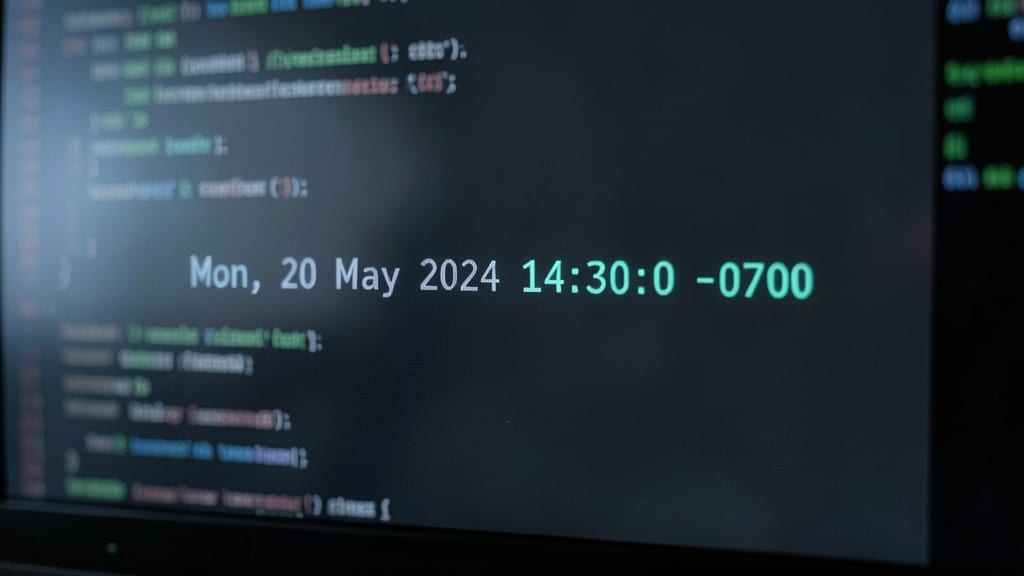
Ever noticed how email timestamps look like "Mon, 20 May 2024 14:30:00 -0700"? That’s RFC 2822, the email-standard format designed for legacy systems and cross-protocol communication.
This format includes the day of the week, day/month/year, time in 24-hour format, and timezone offset. It’s critical for SMTP headers, ensuring emails parse correctly across decades-old servers. The hyphenated timezone (e.g., -0700) prevents ambiguity, unlike ambiguous formats like "MM/DD/YYYY."
Perfect for legacy email systems, archiving tools, or any application interfacing with SMTP protocols. If you’re working with old-school email infrastructure, this format keeps things running smoothly. 💻
Unix Timestamp for Time Calculations

When your application needs to compare timestamps or schedule tasks with millisecond precision, Unix timestamps (seconds since January 1, 1970) become the backbone of server-side logic. Unlike human-readable formats, this integer-based system eliminates ambiguity—whether you're calculating uptime, processing logs, or triggering cron jobs.
The format—like 1716156600 for May 20, 2024—is universally supported in Linux (date +%s), cloud services (AWS Lambda, Google Cloud), and programming languages (Python’s time.time(), JavaScript’s Date.now()). For time calculations, it’s zero-config and machine-friendly, making it ideal for sorting events or measuring intervals without parsing strings.
Backend developers and DevOps engineers rely on Unix timestamps for automated workflows and database indexing, where human-readable dates would slow queries. ⚡
Windows File System Date Format
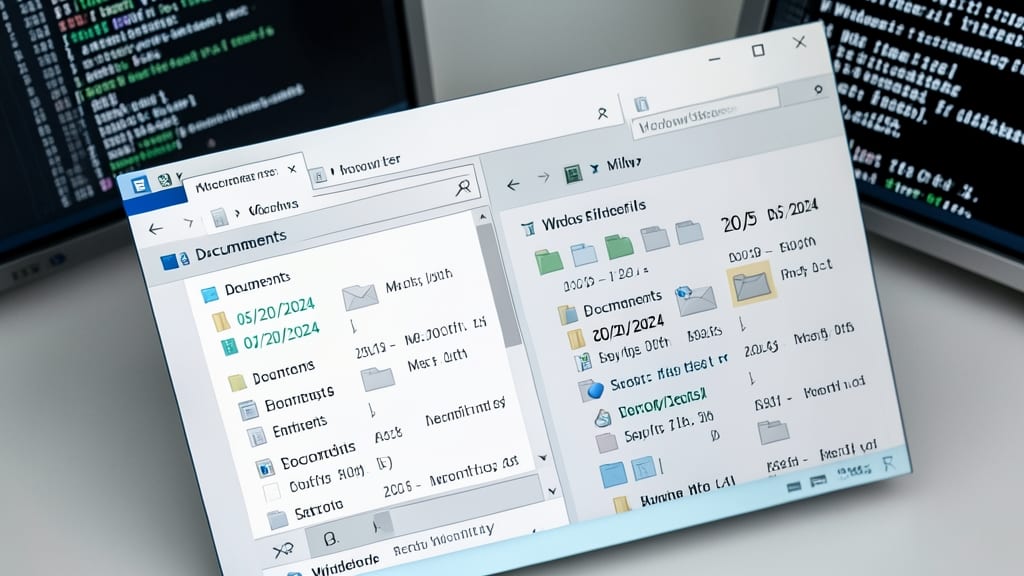
Ever struggled with file sorting chaos because Windows displays dates as '05/20/2024' in the U.S. but '20/05/2024' in Europe? This isn't just a display quirk—it's a metadata headache for developers and admins working with Windows file systems.
The Windows file system stores timestamps in a filetime format (100-nanosecond intervals since January 1, 1601), but displays them in region-specific short dates like MM/DD/YYYY or DD/MM/YYYY based on system locale settings. Scripts parsing file metadata must account for this ambiguity, or risk misinterpreting May 20 as May 2nd or vice versa.
This format is non-negotiable for Windows applications, batch scripts, and PowerShell automation—where file modification dates often drive workflow logic. For global teams, hardcoding assumptions here leads to critical parsing errors in cross-regional deployments. 💻
MySQL Date and Time Functions

When writing SQL queries or stored procedures, MySQL’s native date-time functions and formats are your best friend—especially for YYYY-MM-DD HH:MM:SS or DATEFORMAT() customization. These aren’t just conventions; they’re the backbone of database operations, ensuring queries run efficiently and results are consistent.
The DATEFORMAT() function lets you shape dates into readable formats like '%W, %M %e, %Y' (e.g., "Monday, May 20, 2024"), while NOW() or CURRENTTIMESTAMP automatically insert the current date/time. For storage, MySQL defaults to DATETIME (e.g., '2024-05-20 14:30:00'), which aligns with ISO 8601 but adds precision down to seconds. Time zone handling is also built-in with CONVERTTZ(), critical for global applications.
This is non-negotiable for developers managing e-commerce order logs, user activity tracking, or scheduling systems—where accurate timestamps prevent errors. ⚡
JavaScript Date.toISOString() Output
When your frontend needs to talk to a backend API without ambiguity, Date.toISOString() is the Swiss Army knife of JavaScript date handling. This built-in method generates ISO 8601 formatted strings like '2024-05-20T14:30:00.000Z'—a universal format that bypasses timezone quirks and parsing headaches.
It always outputs in UTC, includes milliseconds for precision, and omits timezone offsets. This makes it perfect for logging, API payloads, or any scenario where consistency matters more than local display. The method is zero-config—just call it on any Date object, and you’re ready for cross-platform compatibility.
Frontend developers building RESTful services or SPAs will love this method for its simplicity and reliability. It’s the go-to choice when you need machine-readable timestamps that work everywhere. ✨
Excel and Office Date Formats
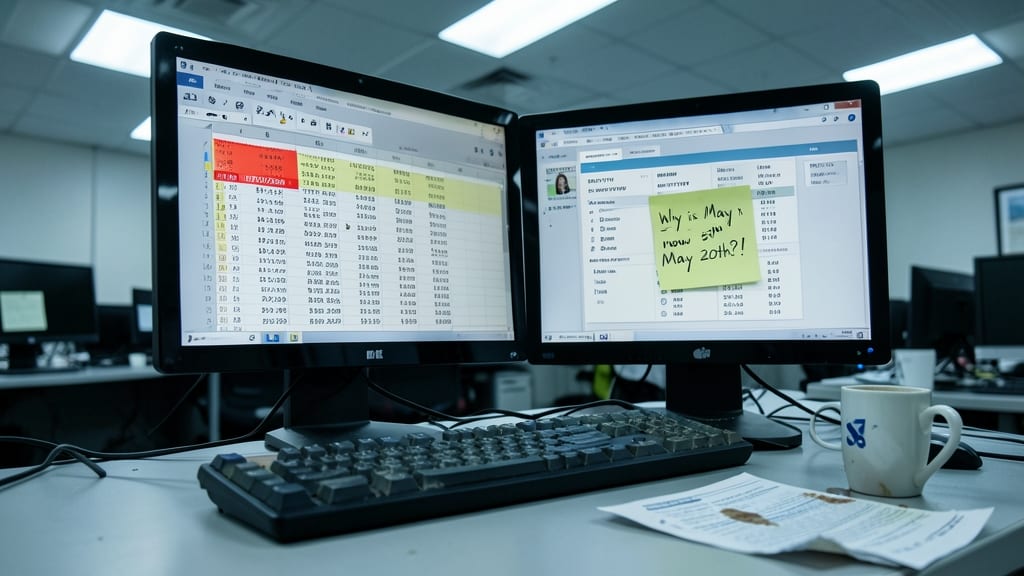
If you’ve ever spent hours debugging Excel files that suddenly treat "05/20/2024" as May 20th instead of May 5th, you’re not alone. Microsoft Office’s locale-dependent date formats (like MM/DD/YYYY vs. DD-MM-YYYY) can turn simple spreadsheets into international puzzles without proper handling.
Office applications rely on system settings, but VBA macros and Power Query can automate locale detection to prevent parsing errors. For example, Format() functions in VBA default to the user’s regional settings, while Power Query’s Data Type conversion tools let you enforce consistent formats like ISO 8601 (e.g., YYYY-MM-DD) for global compatibility.
This is a must-know for accountants, analysts, and automation scripts—where a misplaced slash could derail financial reports or workflows. ⚡